
Household Book
Import a Receipt Automatically
Import regular receipts and non-gold purchases automatically into your household book.
Golden Ratio Academy
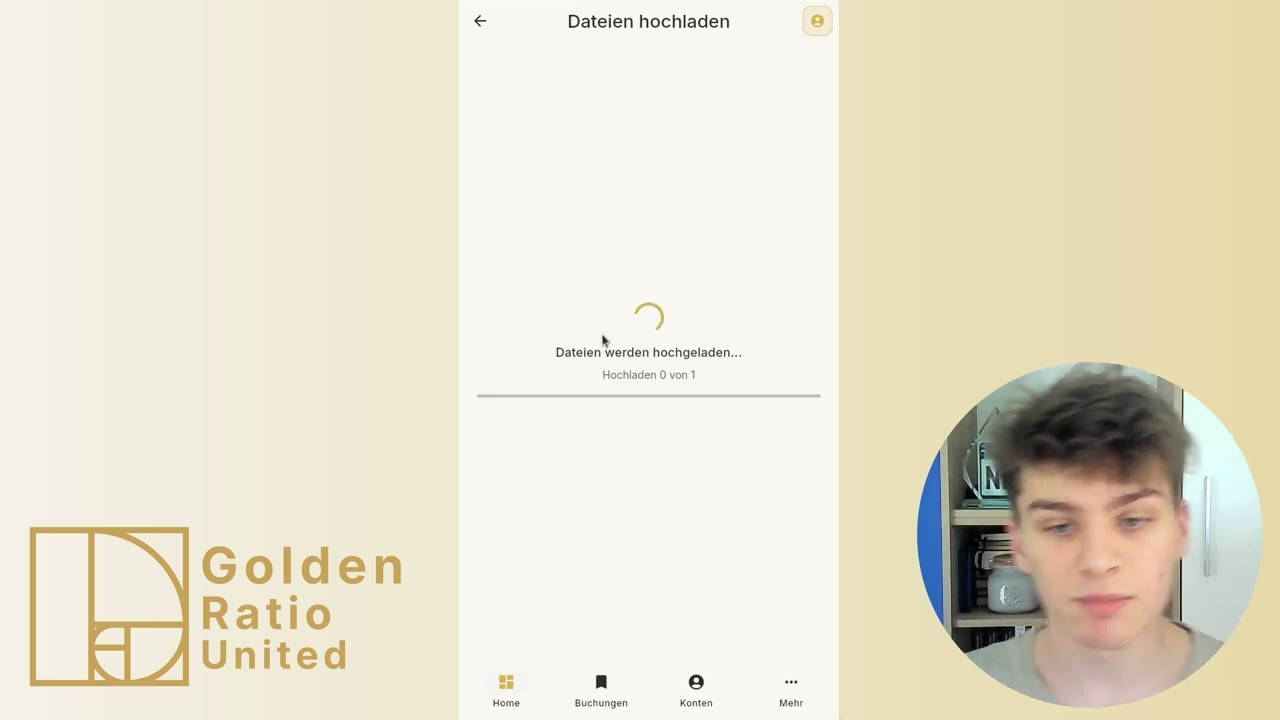
This video shows how to import non-gold purchases and regular receipts automatically into your household book.
How to follow this video
- Open Bookings and start import via the plus button.
- Upload a photo or file of the receipt.
- Select the account used for payment.
- Start processing and wait until the receipt is completed.
- Switch to the correct month and review amount, category, date, and description.
Alternative paths
- On mobile you can photograph the receipt directly.
- On desktop file import is usually faster if the photo or PDF already exists.
What to watch out for
- If you do not see the entry immediately, check the receipt month.
- Review automatically detected categories such as groceries after import.
Directly in the browser (web app)
→ app.golden-ratio-united.com