
Household Book
Import Gold Purchases from Excel
Import your gold purchases from an Excel file into GoldenRatio.
Golden Ratio Academy
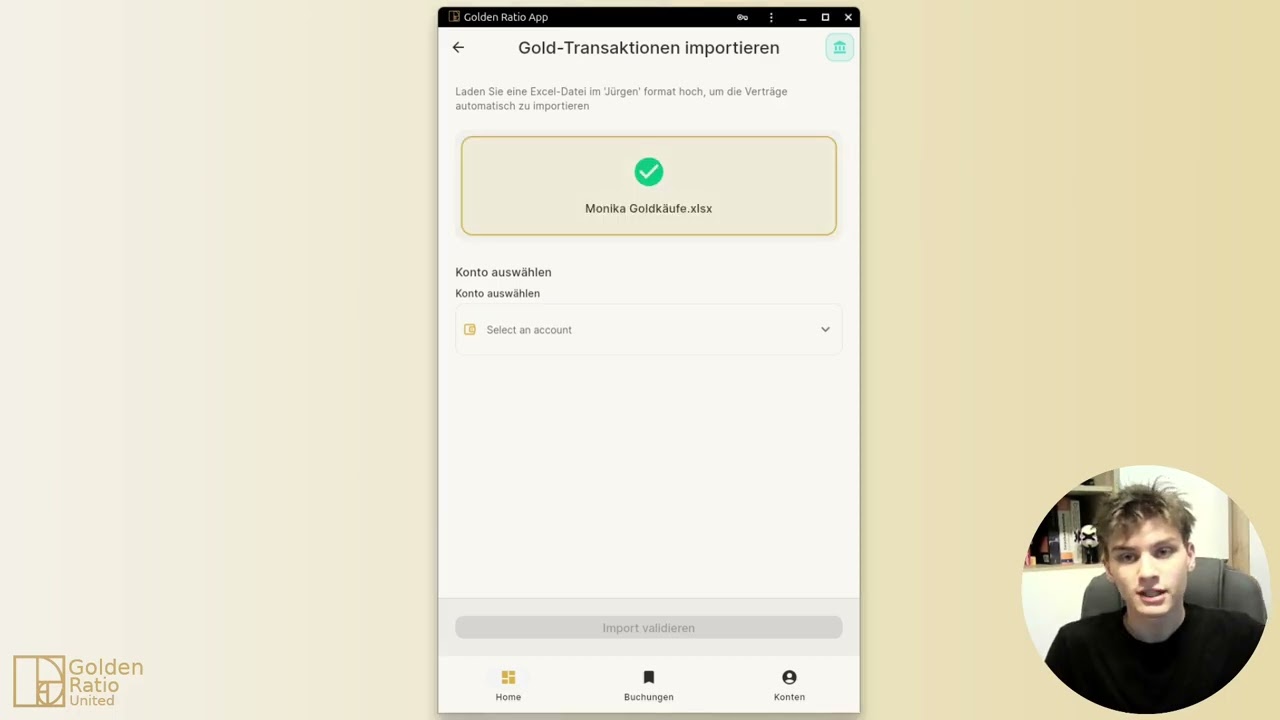
This video shows how to import existing gold purchase data from Excel without entering everything again.
How to follow this video
- Download the Excel template.
- Enter your existing gold purchases into the template.
- Open Excel import in the app.
- Upload the file and review the imported entries.
Alternative paths
- For individual invoices, use automatic invoice import.
- For one-off corrections, enter a gold purchase manually.
Directly in the browser (web app)
→ app.golden-ratio-united.com