
Household Book
Import Gold Purchases Automatically
Import gold purchases automatically from an invoice into GoldenRatio.
Golden Ratio Academy
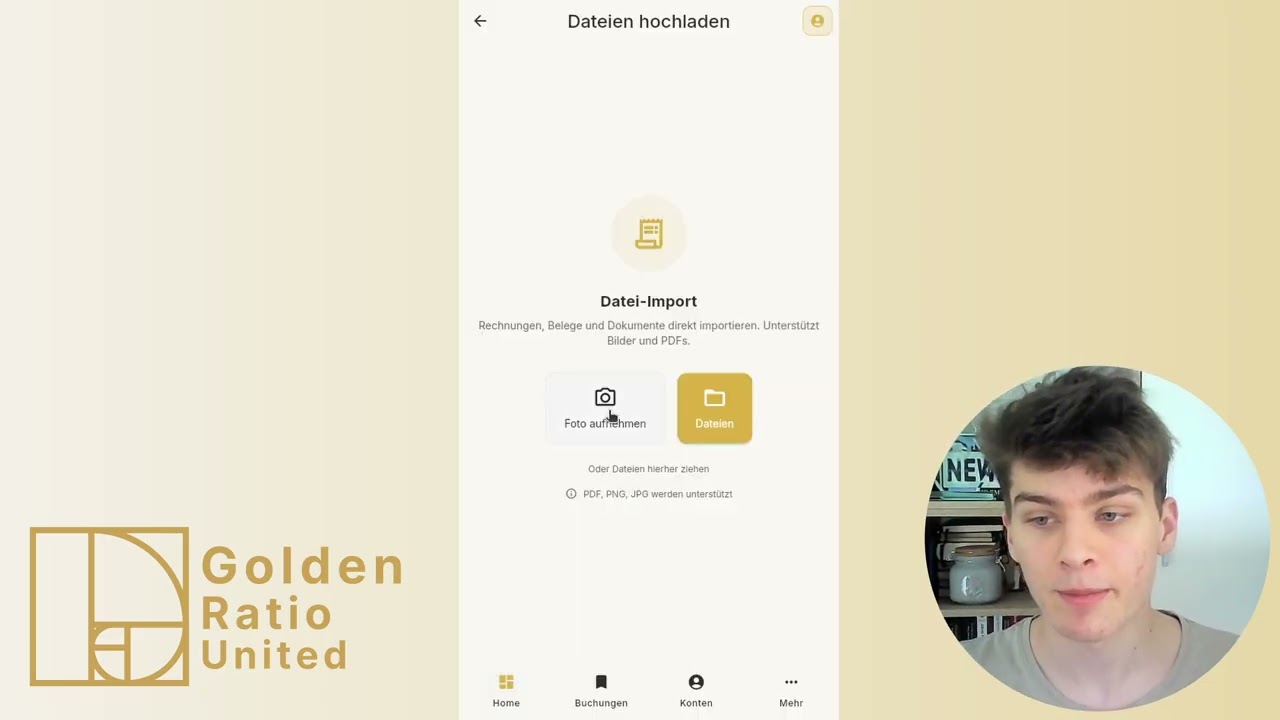
This video shows how to import a gold purchase automatically from an invoice.
How to follow this video
- Download the invoice from the provider portal.
- Open Bookings and choose Import via the plus button.
- Choose file import and drop the invoice into the upload area.
- Select the account used for payment.
- Start processing and wait until it is completed.
- Open the created transactions and check gold purchase and shipping costs in the correct month.
Alternative paths
- On mobile you can use Take photo instead of file import.
- You can upload multiple invoices at once.
What to watch out for
- Excel import is a separate flow and not for a single invoice file.
- Processing can take a short moment; the green status means the app is done.
Directly in the browser (web app)
→ app.golden-ratio-united.com