
Introduction
App Overview
A tour of the app: where to find the home screen, bookings, accounts, search and settings.
Golden Ratio Academy
This video shows you where to find things in the app.
How to follow this video
- After logging in, you always land on the home screen.
- At the very top is your path to the gold million, below it today’s gold price per gram. As long as you have not entered any gold, you see sample numbers.
- Under “First steps” you upload your invoices or create an account by hand.
- Further down are the tools: large tiles for all areas of the app.
- With the bar at the very bottom you jump between the areas, wherever you are.
- “Bookings” is your household book: what comes in and what goes out, month by month.
- With the plus in the middle you add something new, for example an expense or a gold purchase.
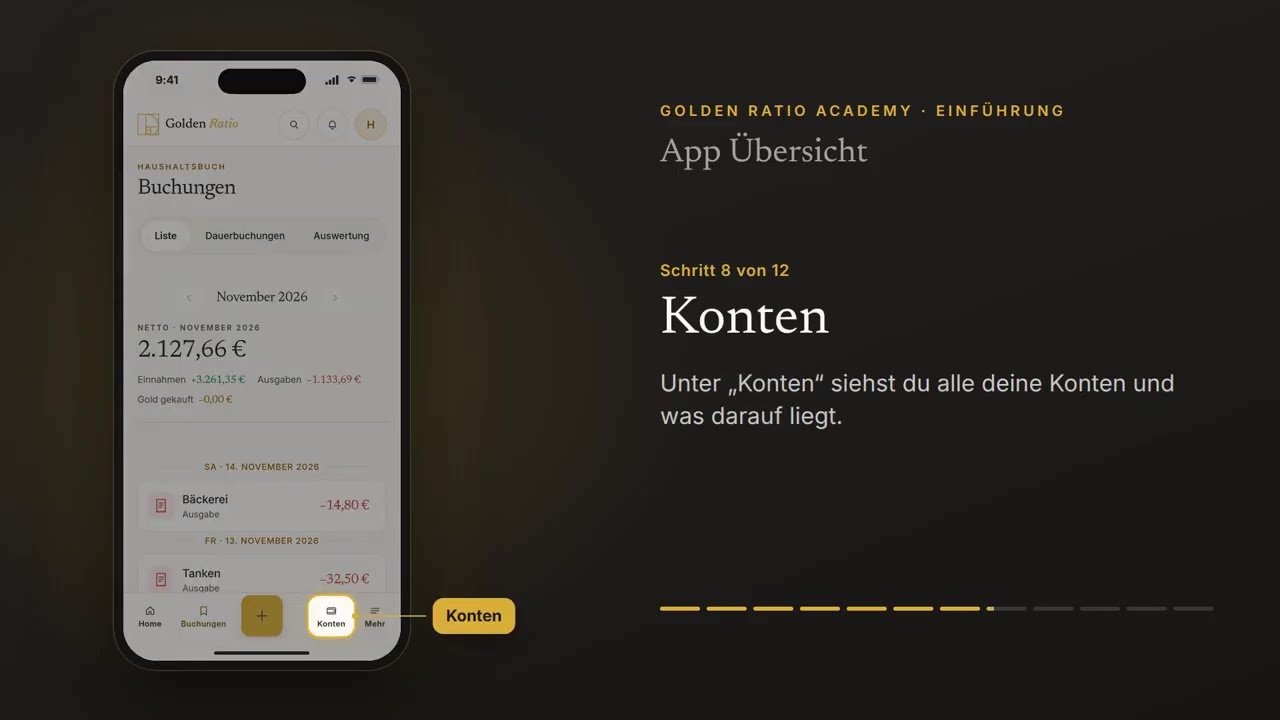
- Under “Accounts” you see all your accounts and the total at the top.
- Under “More” is everything you need less often: receipts, categories, the settings and your subscription.
- At the top right you search all your data with the magnifying glass. The bell shows your notifications, for example when something happens with your contracts.
- Behind your initial you find your profile, the settings and logout.
Directly in the browser (web app)
→ app.golden-ratio-united.com