
Household Book
Manage Accounts
Create accounts, manage them, and understand system accounts in GoldenRatio.
Golden Ratio Academy
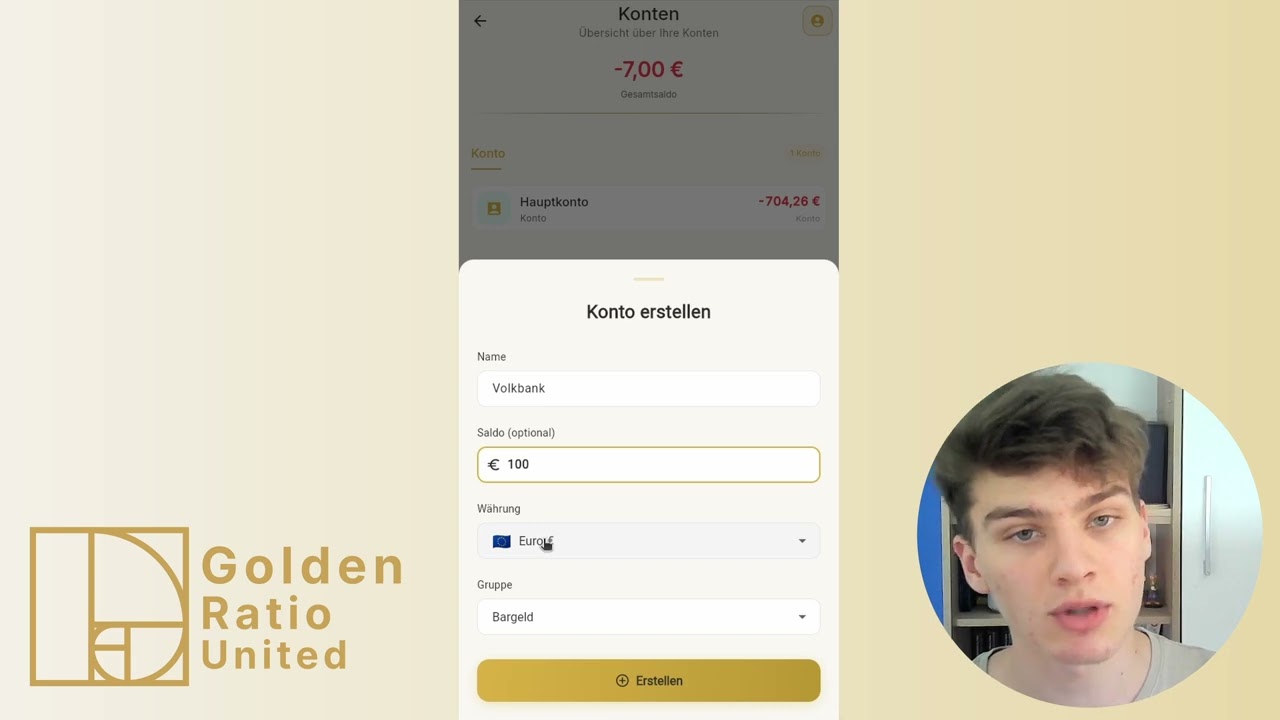
This video explains how accounts work and how to create, manage, or remove your own accounts.
How to follow this video
- Open Accounts in the app.
- Separate your main account from the Gold Investment system account.
- Create a new account with name, starting balance, currency, and group.
- Open an account to review related transactions.
Alternative paths
- Depending on the device, delete actions may be available by swiping or through a visible delete button.
What to watch out for
- The Gold Investment account is a system account and cannot be deleted or edited manually.
- Only delete accounts when no relevant transactions depend on them.
Directly in the browser (web app)
→ app.golden-ratio-united.com