
Introduction
First Sign-Up & Subscription
How to create your account in the app and choose your subscription.
Golden Ratio Academy
This video shows what you see when you open the app for the first time, how to create your account and how to take out your subscription.
How to follow this video
- When you first open the app, you see a sample depot. You don’t need an account for that yet. Tap “Let’s go”.
- Choose what matters to you, for example understanding your own gold.
- See what your depot will look like later with your real numbers.
- Read how the trial works and tap “Try for free”.
- Enter your email address.
- Choose a password with at least eight characters and enter it twice.
- Tick the terms of use. Newsletter and advertising below are optional.
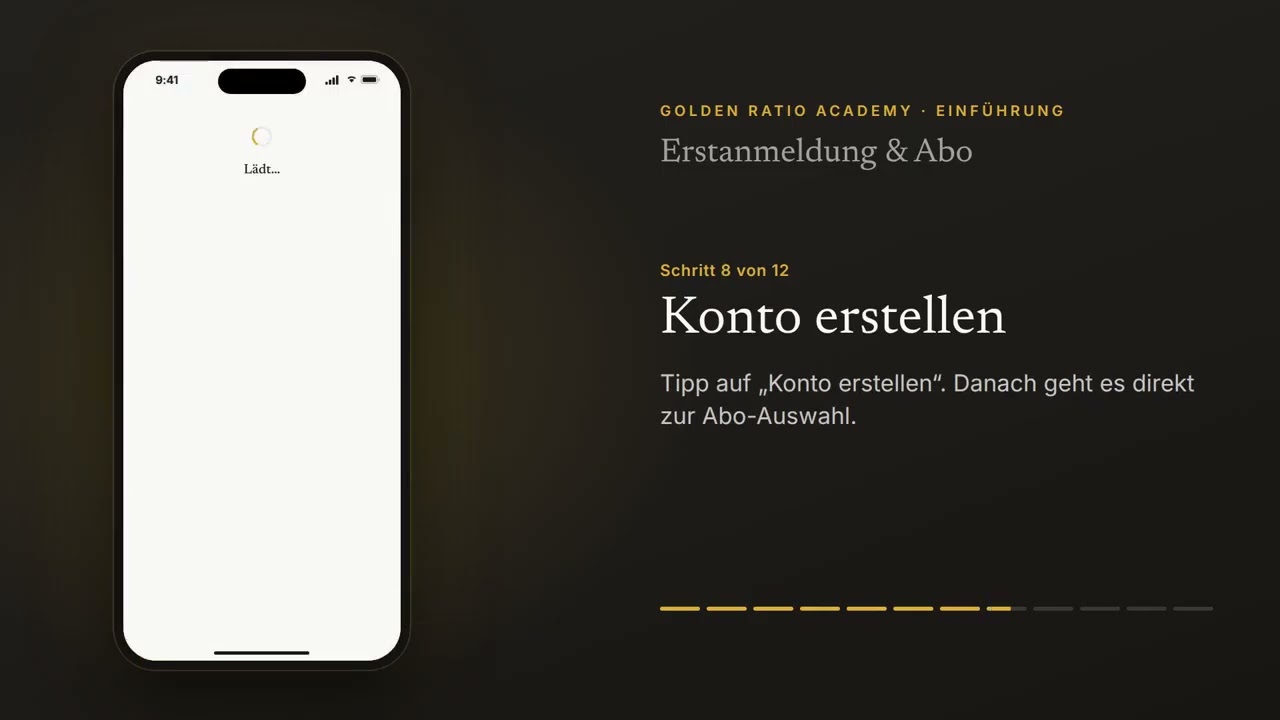
- Tap “Create account”. You then go straight to the plan selection.
- Compare the three plans: VIP is the complete package, Premium the most popular and Basic the small entry plan with fewer features.
- At the top, choose whether you pay monthly or yearly.
- Tap the button on your plan and confirm the payment. From then on, the app is unlocked for you.
What to watch out for
- You can try VIP free for 30 days. On day 25 you get a reminder by email, and you only pay after the trial.
- With yearly payment you get one month free: use 12 months, pay for 11.
- You can cancel at any time.
Directly in the browser (web app)
→ app.golden-ratio-united.com