
Settings
Settings & Language
How to find the settings, change the language and set up your PDF signature.
Golden Ratio Academy
This video shows you the settings of the app.
How to follow this video
- At the top right, tap the circle with your initial and then “Settings”.
- Everything is in one place here: your account, preferences, your subscription and the PDF signature.
- Under “Preferences” are the language, the currency and whether you want to receive notifications.
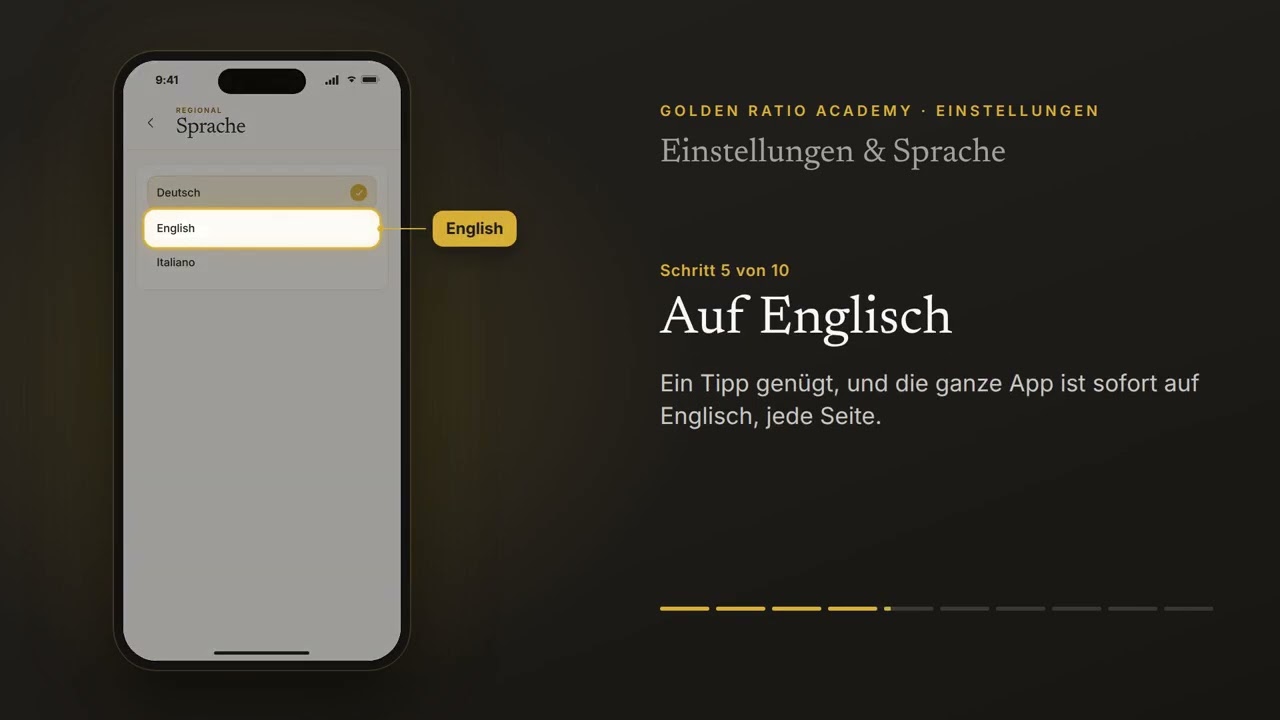
- Tap “Language” and choose German, English or Italian. The whole app switches immediately.
- Switching back is just as quick: tap “Language” and choose “Deutsch”.
- Under “PDF signature” you enter, for example, your name and your number. Below you immediately see what it looks like.
- Tap “Save”. In the overview the signature is then shown as “Active”.
- Under “Account” you see how you log in. You also change your password there.
- At the very top you give your profile a name and save.
What to watch out for
- The PDF signature appears at the bottom of every PDF you send from the app.
Directly in the browser (web app)
→ app.golden-ratio-united.com