
Evaluations
Export for Your Tax Advisor
How to record a buyback correctly and create the export of your gold purchases and sales for your tax advisor, as PDF or Excel.
Golden Ratio Academy
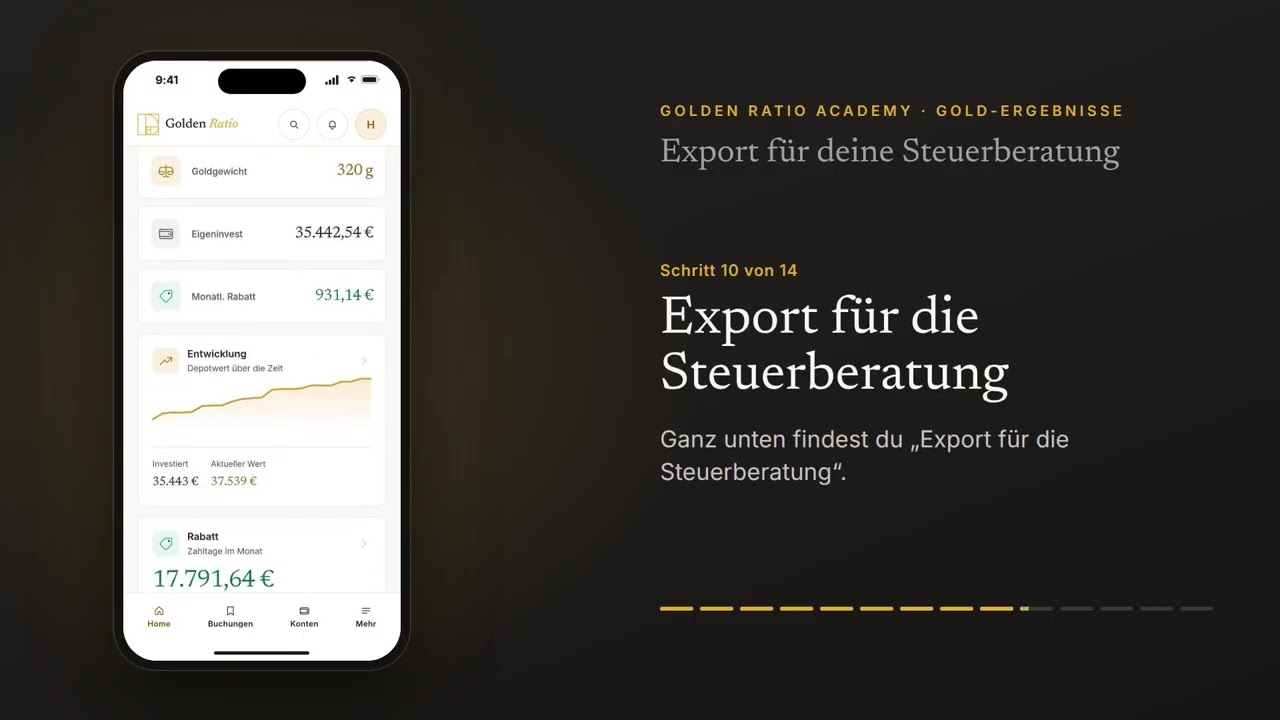
In this video I show you how to record a buyback correctly and then create the export of your gold purchases and sales for your tax advisor.
How to follow this video
- Go to “Contracts” and tap the contract you cancelled early.
- At the bottom, tap “Early contract cancellation”.
- Choose the day you cancelled, in the video 10 November.
- Enter what you got back for the gold.
- Enter the buyback date, meaning the day the gold was bought back. The export uses it as the date of sale.
- Tap “Save” and go back to the overview.
- At the very bottom you find “Export for your tax advisor”.
- Choose the year, in the video 2026. The buyback you just entered is already included.
- Choose the format: PDF for reading and printing, Excel as a table to keep calculating with.
- Tap “Create export”. Then you can open the file and send it to your tax advisor.
What to watch out for
- If you leave the buyback date empty, the export uses the cancellation date.
- The export is not tax advice and does not replace it. The app only summarises what you have recorded. What that means for your taxes is something to clarify with your tax advisor.
Directly in the browser (web app)
→ app.golden-ratio-united.com