
Household Book
Edit & Delete a Booking
How to correct a booking, make a copy of it or delete it.
Golden Ratio Academy
This video shows you how to change, copy or delete a booking.
How to follow this video
- In the list, tap the booking you want to change, in the video the fuel.
- Tap the line that is wrong, in the video the amount.
- Delete the old amount with the key at the bottom right, type the correct one (€41.80) and tap “Next”.
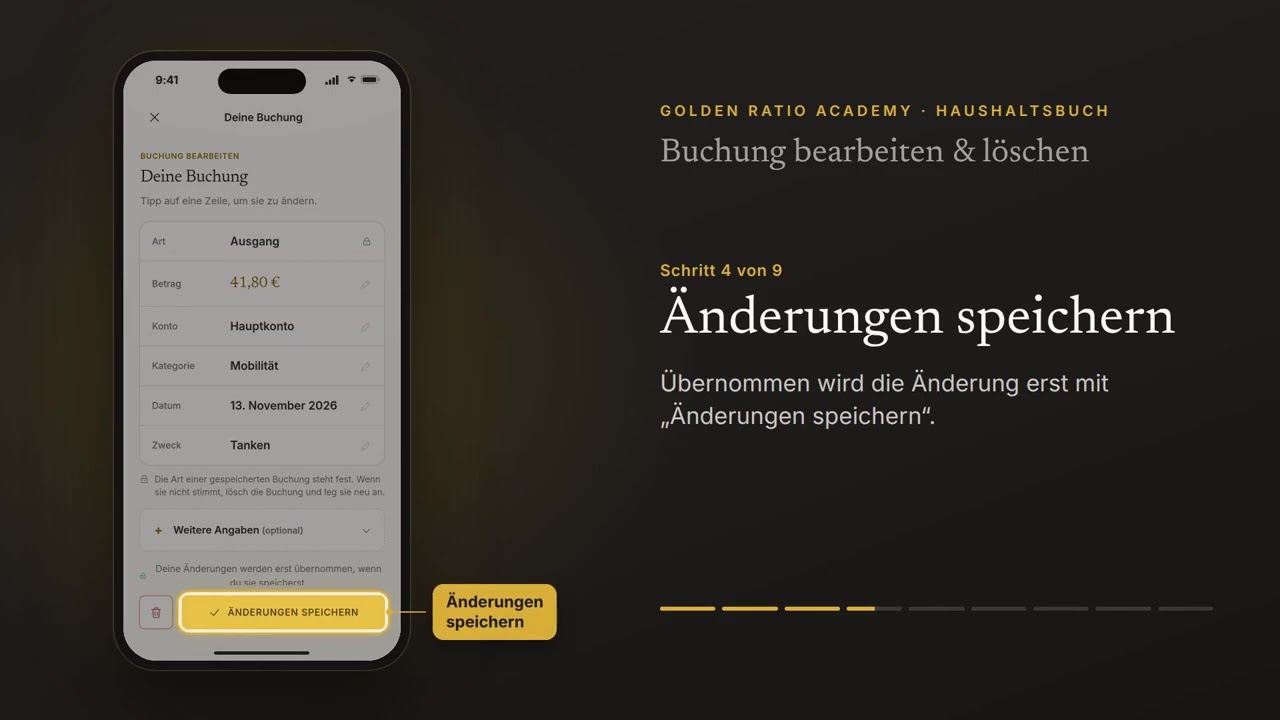
- Tap “Save changes”. Only then is the change applied.
- Swipe a booking to the left. Two buttons appear: “Duplicate” and “Delete”.
- With “Duplicate” you get a copy with amount, account and category. In the video only the date is changed to today.
- Tap “Save copy”. The new booking now appears under today.
- To delete, swipe left, tap “Delete” and confirm with “Delete booking”.
What to watch out for
- Deleted is deleted: there is no recycle bin. That is why the app asks you once more first.
Directly in the browser (web app)
→ app.golden-ratio-united.com